Setting up the Mojo power dialer correctly is the difference between a sales team that burns through hours with little to show for it and one that consistently books appointments. Whether you run a solo real estate practice or manage a multi-agent team, a clean Mojo power dialer setup directly shapes your contact rates, talk time, and conversion numbers.
This guide walks you through the complete process: account configuration, list preparation, dialer mode selection, voicemail and script setup, and the optimization steps that keep your dialing compliant and productive. By the end, you’ll know exactly how to configure Mojo so your team starts every session ready to connect with real prospects.
What is the Mojo Power Dialer?
The Mojo power dialer is a cloud-based outbound calling system that automatically dials numbers from your contact lists, removing the manual work of typing in each number. It connects answered calls to your agent instantly, drops pre-recorded voicemails, logs call results, and feeds the next contact into the queue without delay.
For sales and real estate teams, this matters because manual dialing wastes the most valuable resource you have: live conversation time. A properly configured power dialer can multiply the number of contacts an agent reaches in an hour, which means more conversations, more follow-ups, and more booked appointments.

Mojo offers single-line and multi-line dialing modes, built-in lead management, calling lists, and skip tracing integrations. The setup you choose depends on your call goals, your list quality, and how your team is structured.
Before You Start: What You Need for a Clean Setup
A smooth Mojo power dialer setup depends on having a few things ready before you log in and start configuring. Preparing these in advance prevents the stop-start frustration that derails most first-time setups.
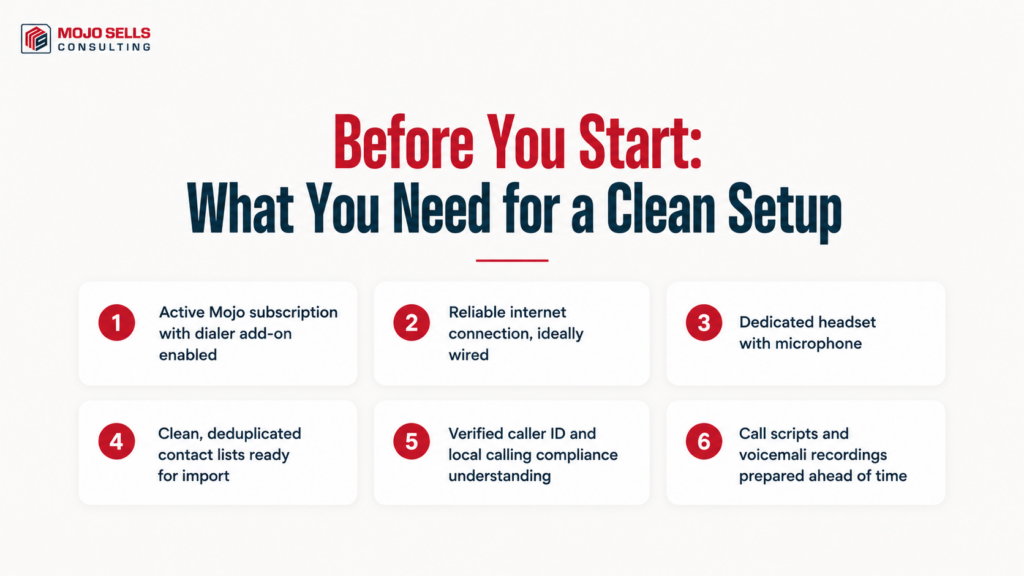
- An active Mojo subscription with the dialer add-on enabled on your account
- A reliable internet connection, ideally wired, since call quality depends on stable bandwidth
- A dedicated headset with a microphone to keep audio clean on both ends
- Your contact lists in a clean, deduplicated format ready for import
- A verified caller ID and an understanding of your local calling compliance rules
- Call scripts and voicemail recordings prepared ahead of time
Getting your lists clean before import is one of the highest-impact steps. If you want to go deeper on this, our guide on how to optimize your Mojo call lists for maximum reach and conversions covers list hygiene in detail.
Step-by-Step Mojo Power Dialer Setup
Follow these steps in order. Skipping ahead, especially around list and compliance configuration, tends to create problems that surface mid-call.
1. Configure Your Account and Caller ID
Log into your Mojo account and open the dialer settings. Verify your caller ID and confirm the phone number that displays to prospects. Set your time zone correctly so calls fire only within permitted hours for the regions you’re dialing.
2. Import and Organize Your Lists
Upload your contact list using Mojo’s import tool, mapping each column (name, phone, address, status) to the correct field. Clean lists import faster and dial more efficiently. Use Mojo’s grouping features to separate cold leads, warm follow-ups, and expired listings into distinct lists.
3. Choose Your Dialing Mode
Mojo lets you dial in single-line or multi-line mode. Single-line connects you to one prospect at a time with no risk of dropped calls. Multi-line dials several numbers simultaneously to maximize live connections, which suits high-volume cold calling. Your choice depends on list quality and call goals, which the next section breaks down in detail.
4. Set Up Voicemail Drops
Record a short, natural voicemail message and load it into Mojo. When a call goes to voicemail, one click drops your recording and moves you to the next number. Done well, this saves enormous time. Our breakdown of voicemail drop best practices in MojoSells for higher callbacks explains how to write messages that actually get returned.
5. Load Scripts, Tags, and Notes
Add your call scripts so agents can follow consistent talk tracks. Configure tags and notes so every call result is captured for follow-up. Strong tagging turns raw calls into a qualified pipeline, a process covered in our article on using MojoSells tags and notes to qualify leads faster.
6. Run a Test Session
Before going live with your team, run a short test session. Confirm audio quality, voicemail drops, call logging, and list flow all work as expected. Fixing issues during a test is far cheaper than discovering them mid-campaign.
Single-Line vs Multi-Line: Choosing Your Dialing Mode
One of the most important setup decisions is which dialing mode to use. The table below compares the two so you can match the mode to your team’s situation. For a deeper analysis, see our full comparison of Mojo Dialer triple line vs single line for real estate agents.
| Factor | Single-Line Dialing | Multi-Line Dialing |
| Call volume | Lower — one call at a time | Higher — multiple simultaneous dials |
| Connection quality | Strong, no drop risk | Occasional dropped calls when several answer at once |
| Best for | Warm leads, follow-ups, relationship calls | High-volume cold calling and prospecting |
| List quality needed | Works with smaller, targeted lists | Needs large lists to stay efficient |
| Compliance risk | Lower | Higher — requires careful pacing and disclosure |
| Agent experience | Beginner-friendly | Better for experienced callers |
| Conversation focus | High — full attention per call | Moderate — faster pace, less prep time per call |
If you’re training new agents, start them on single-line to build confidence, then move them to multi-line as their skills sharpen. Our guide on how to train new real estate agents on MojoSells in one week lays out a practical onboarding path.
Optimizing Your Dialer After Setup
A finished setup is the starting line, not the finish. The teams that get the most from Mojo treat configuration as something they refine over time based on real data.
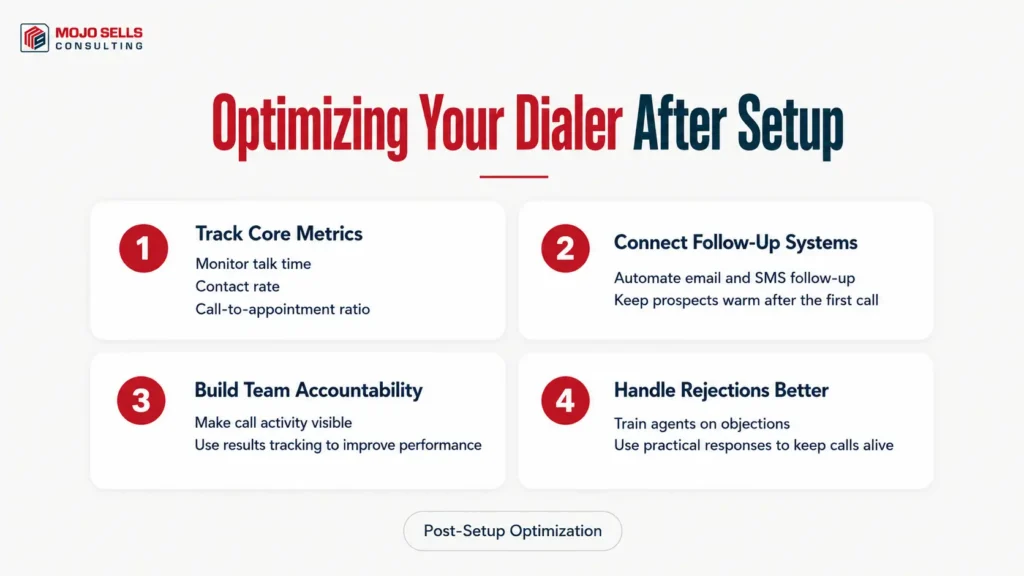
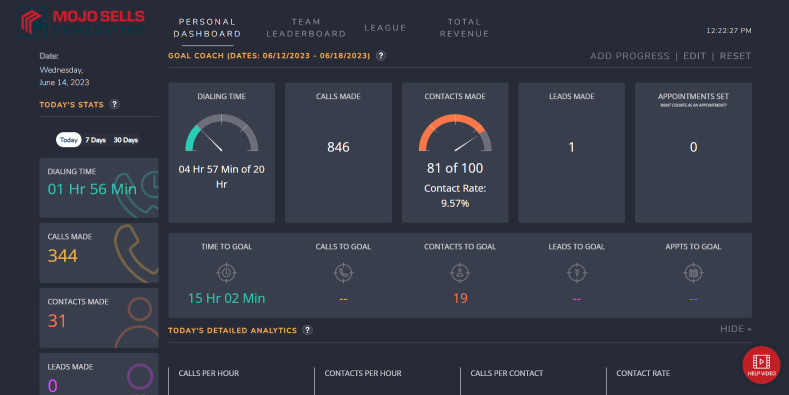
Start by tracking your core metrics. Talk time, contact rate, and call-to-appointment ratios tell you whether your setup is working or quietly leaking productivity. Our article on how to track and improve talk time and call ratios in Mojo shows which numbers matter most and how to move them.
Next, connect Mojo to your follow-up systems. Most deals close on follow-up, not the first call, so automating your sequences keeps prospects warm without manual effort. Learn how in our guide to automating follow-up sequences with MojoSells and email/SMS tools.
For teams, accountability is the multiplier. When everyone can see call activity and results, performance tends to rise on its own. Our piece on using MojoSells for real estate team accountability explains how to build that visibility into your workflow.
If your team finds early calls discouraging, that’s normal. Rejection handling is a skill, and our guide on how to handle rejections and objections on MojoSells calls gives agents practical responses that keep conversations alive.
Not sure your dialer is configured for the way your team actually works? A short conversation can save weeks of trial and error. Contact the MojoSells Consulting team to get your setup reviewed and dialed in for your specific goals.
Common Mojo Power Dialer Setup Mistakes to Avoid
Even experienced teams trip over the same issues. Watch for these during your setup.
- Importing messy lists with duplicates, bad numbers, or unmapped fields, which slows dialing and skews your data
- Skipping compliance configuration, including time zones and calling hours, which exposes you to regulatory risk
- Ignoring voicemail drops, leaving agents to repeat the same message manually dozens of times a day
- Using multi-line mode with thin lists, which produces dropped calls and frustrated prospects
- Failing to track metrics, so you never learn what’s actually working
- Launching with no test session, which lets avoidable technical problems surface in front of real leads
Avoiding these keeps your first campaign smooth and your data trustworthy from day one.
Why Expert Setup Support Pays Off
A power dialer is only as effective as its configuration. Many teams subscribe to Mojo, run a few rough sessions, and conclude the tool doesn’t work, when the real issue is an incomplete or misaligned setup. The platform is powerful, but it rewards thoughtful configuration tailored to how your team sells.
Expert support shortens the learning curve. Instead of guessing at dialing modes, list structure, and follow-up automation, you get a setup built around your call goals, your market, and your team’s experience level. That means fewer wasted sessions and faster traction.
The right configuration also scales with you. A setup that works for a solo agent often breaks down for a five-person team, and a guided approach builds in the structure you’ll need as you grow.
Want a setup tailored to your team instead of a generic configuration? Learn more about the experienced specialists behind MojoSells Consulting and meet the Mojo consultants who can build your dialer setup the right way.
Final Thoughts
A strong Mojo power dialer setup comes down to preparation, the right dialing mode, clean lists, and consistent optimization. When you configure your account carefully, choose between single-line and multi-line based on real factors, and track the metrics that matter, your team spends more time in live conversations and less time on busywork.
Treat your setup as a living system. Refine it as your lists grow, your team expands, and your call data reveals what’s working. If you’d rather skip the trial and error, a guided setup can get you to a productive configuration faster. Review your current Mojo power dialer setup against the steps in this guide, then make the adjustments that will lift your contact and conversion rates.