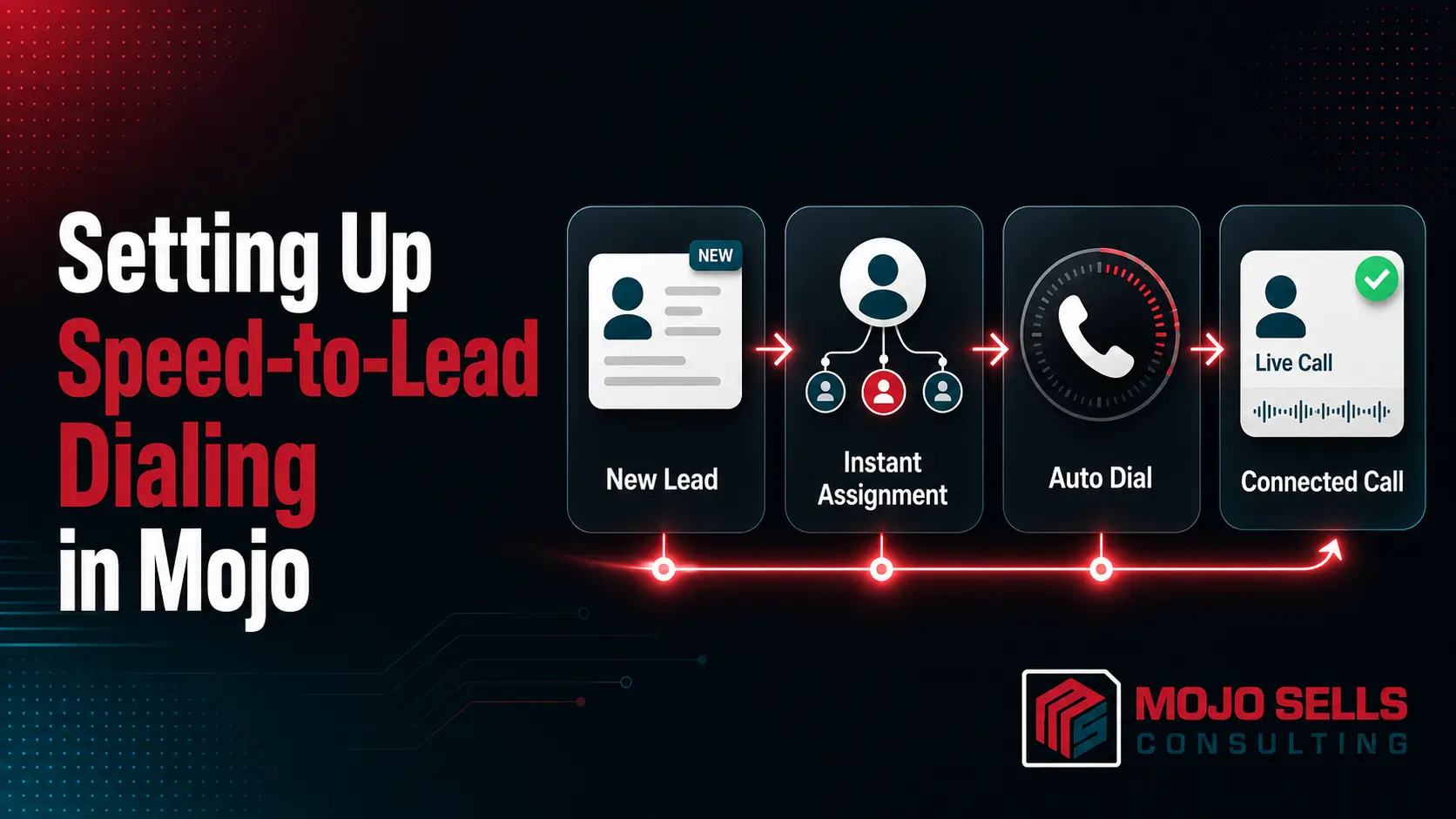
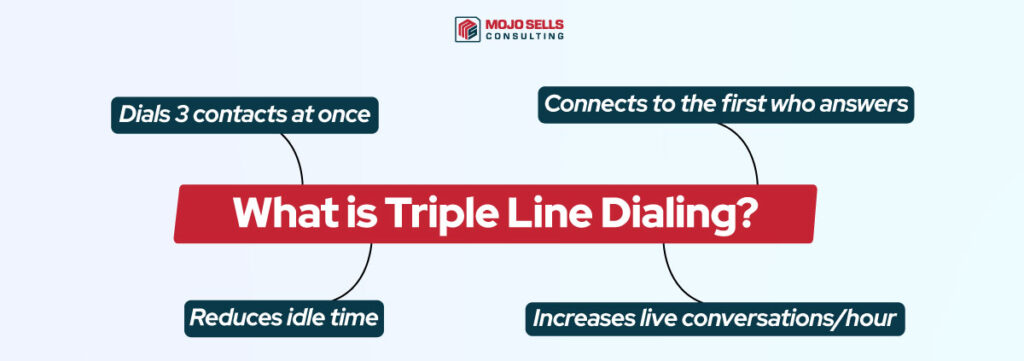
Triple line dialing is one of Mojo’s most powerful features. It allows you to call three leads simultaneously and automatically connects you with the first person who answers. This dramatically increases your outreach speed and reduces downtime between calls.
How to Set Up Triple Line Dialing in Mojo?
Learn exactly how to configure Triple Line Dialing for better efficiency and results.
Choose a Calling License
Make sure your plan includes multi-line dialing. The triple line dialer is available with premium license tiers.
Upload Your Call List
Import your leads into Mojo using a spreadsheet or connect your CRM to sync contacts automatically.

Enable Triple Line Mode
Go to your Mojo settings and select the triple-line dialer option.
Configure Dialing Preferences
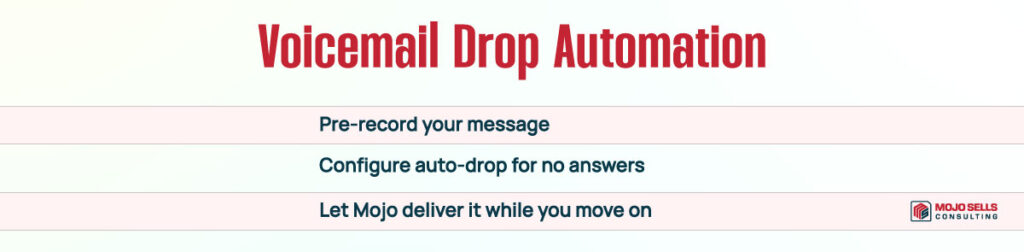
Set up your voicemail drop, connection rules, and call buffer time to control pacing and call flow.
Click Start Dialing
Once everything is set, click Start Dialing. Mojo will manage the dialing, call transfers, and activity logging for you.
Want to unlock the full power of Mojo’s triple-line dialer? As your Mojo Sells Consultant, we’ll help you configure it properly, fine-tune your pacing, and train your team to maximize results without overwhelm. Book your Mojo dialer setup session now.